How smart trainers simulate climbing
A trainer cannot tilt the road, so it tilts the numbers. What the gradient figure means, why a heavy flywheel matters, and where the simulation stops matching the mountain.
Ole BirkelandFounder, Cadexa
- Published
- 18 Oct 2026
- 3 min read
 AI-generated image
Explainer · Editorial content without product testing. How we work.
Gravity as a brake
Outdoors, climbing is work against gravity: the steeper the road, the larger the component of your weight that pulls you back. A trainer reproduces that by adding resistance proportional to gradient, your mass and the mass of the bike. In simulation mode the app sends the gradient and the trainer computes the brake force; your effort decides the speed.
The equation the trainer or the app solves is the familiar one: power equals speed multiplied by the sum of gravity, rolling resistance and aerodynamic drag forces. On a 10 % gradient at 10 km/h, an 80 kg rider and bike need roughly 220 W just to beat gravity. That is why climbing feels slow and heavy indoors as well as outside.
What the “maximum gradient” number means
A trainer rated for 16 % can apply enough resistance to mimic 16 % for a typical rider at low speed. Above that the trainer clamps and the road feels flatter than it should. Two things make the headline number less simple than it looks:
- It depends on rider mass. The brake has a maximum force. A heavier rider reaches the ceiling at a lower gradient than a lighter one. Manufacturers rate the figure at a stated weight, often 75 kg to 80 kg.
- It depends on speed. Resistance units produce less braking torque at very low flywheel speeds. Grinding a 20 % wall at 6 km/h asks the trainer for high torque where it is weakest, which is why some units feel soft at the steepest moments.
The flywheel and inertia
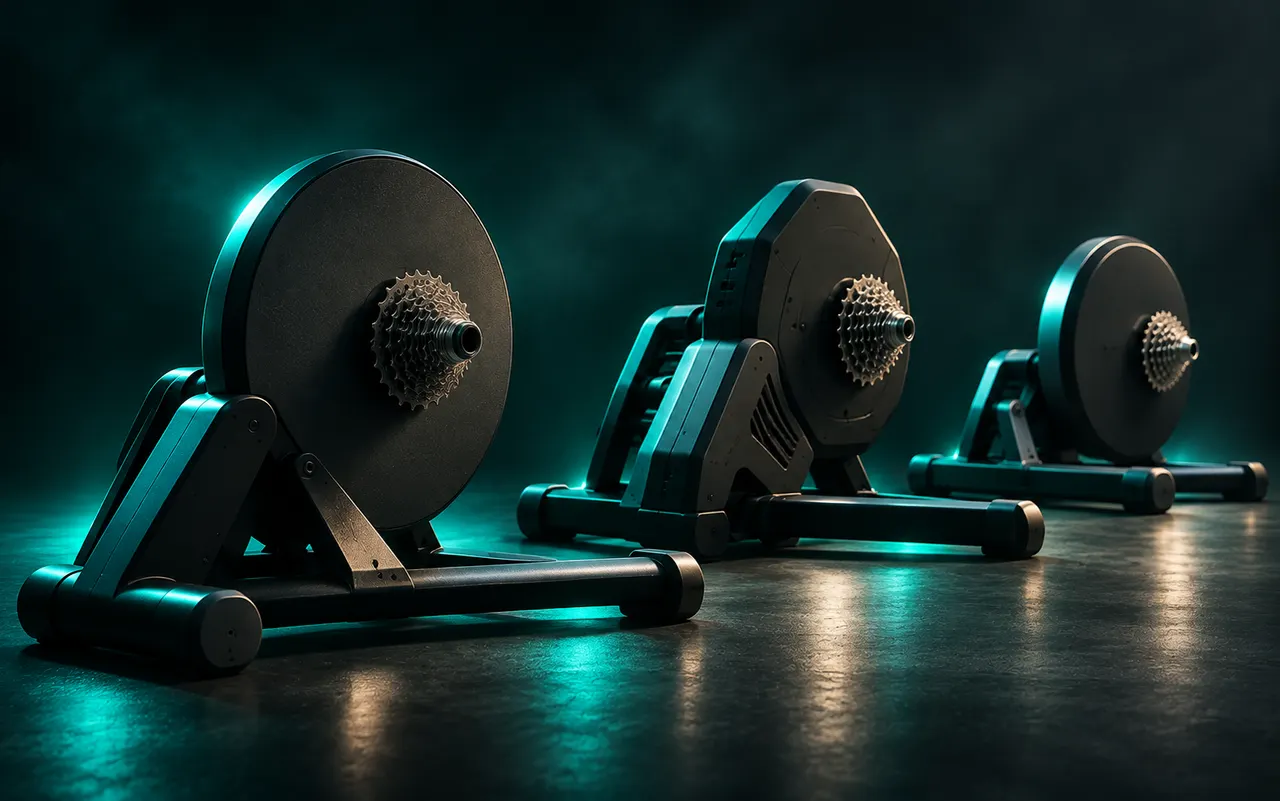
On a real climb your momentum fades quickly when you stop pedalling. On the flat it carries you. A trainer’s flywheel is what provides that stored energy, and a heavier (or motor-assisted) flywheel better reproduces the difference between a 2 % drag and a 12 % wall. Some trainers adjust virtual inertia with the gradient; motor-driven units can even spin the flywheel to simulate descents, which a passive brake cannot do at all.
Descents
A passive trainer’s minimum gradient is effectively zero: it can stop braking but it cannot push. A listed figure such as −10 % usually describes what the simulation reports to the app, not a force the trainer applies. Only motor-driven designs actively simulate going downhill.
Scaling the feel
Apps often let you scale the gradient sent to the trainer, commonly called “trainer difficulty”. At 50 %, a 10 % road feels like 5 %, while the virtual speed is still computed from the full gradient. This exists because gearing indoors is limited: nobody fits a 34×34 for an evening on the trainer. Cadexa’s effort setting works this way, scaling the trainer’s feel without touching the virtual speed, so a route time remains comparable from ride to ride.
Rate of change
Real roads change gradient gradually; GPS-derived route files do not. A naive app can send 0 % and then 12 % within a second, which feels like hitting a wall. Good implementations smooth the elevation profile before computing gradient and ramp the trainer in small steps. Cadexa resamples routes to 10 m, applies a moving average, and limits changes to 1 % per second going up and 3 % per second going down.
Beyond resistance: tilting the bike
Gradient simulators such as front-wheel risers physically tilt the bike with the simulated road, which changes muscle recruitment and saddle pressure in the way a real climb does. They follow the trainer’s gradient through a proprietary link or through the app, and they are the one accessory that changes how climbing feels rather than how hard it is.
About the author
Ole BirkelandFounder, Cadexa
Builds the Cadexa indoor-cycling app in Bergen, Norway, which means living inside the Bluetooth FTMS specification and watching how trainers actually respond to it. Writes the technology explainers and runs the compatibility tests.
Related reading
Smart trainers
Best smart trainers for indoor cycling: a specification-based shortlist
No hands-on testing yet, and we say so. This shortlist is built from manufacturer specifications with sources, organised by the decisions that matter: drive type, price band, protocols and gradient.
Smart trainers
Bluetooth FTMS explained: the protocol that lets an app control your trainer
Every modern smart trainer speaks FTMS. Here is what the Fitness Machine Service actually does, what the control point commands are, and why “supports FTMS” does not guarantee that every app feature works.
Smart trainers · Wahoo Fitness
Wahoo KICKR CORE 2: features and compatibility
What changed from the original CORE, what did not, and how the second generation lines up with Bluetooth FTMS control from a phone. A specification-based overview ahead of our hands-on test.